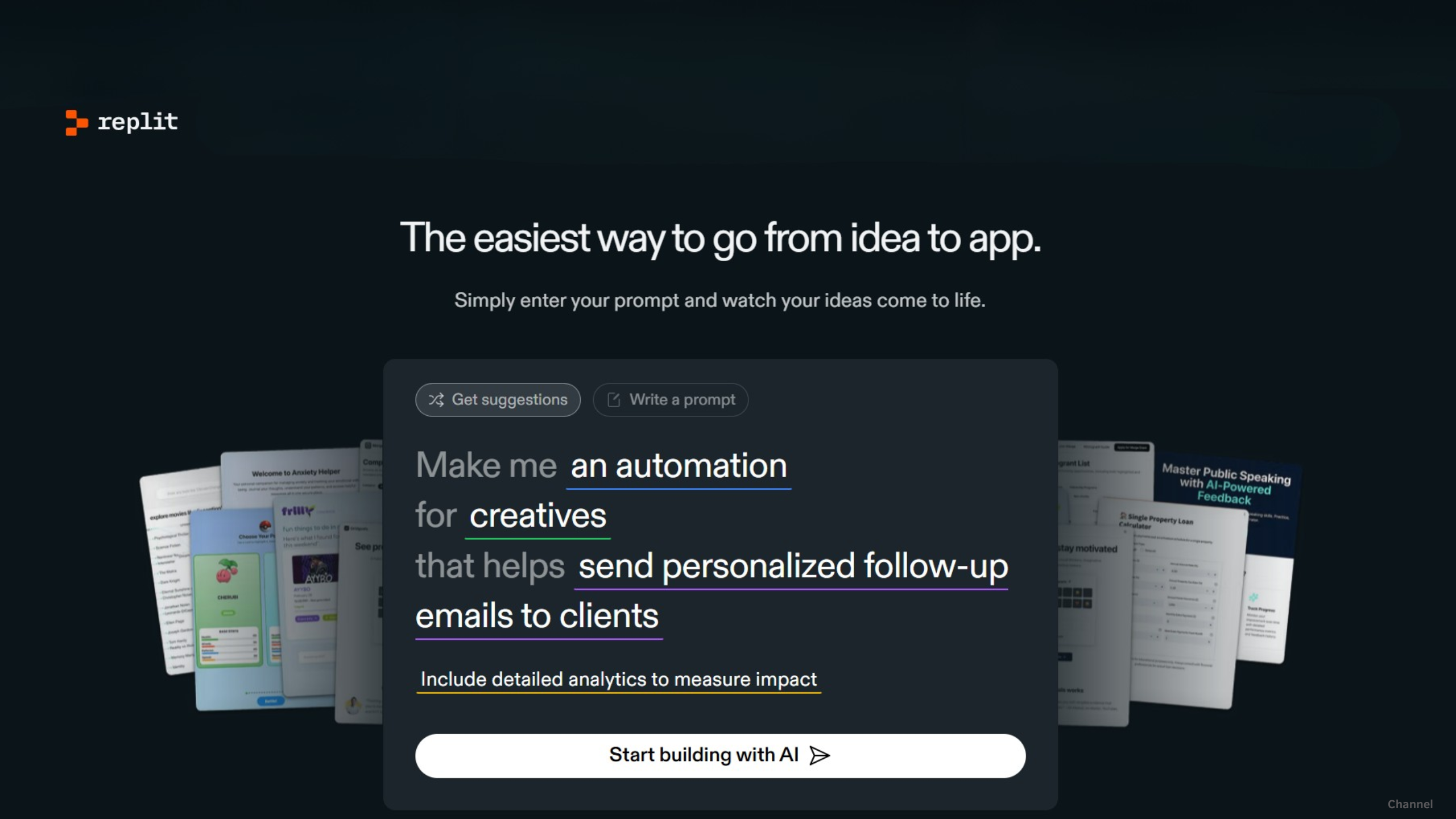
For years, Replit has been known as the easiest place to start coding inside a browser. But with its latest major platform updates, the company is signaling a bold new direction. Replit is no longer simply an online IDE—it is transforming into a full AI-powered software factory that helps developers (and non-developers) build, deploy, and scale applications faster than ever before.
Below is everything you need to know about the newest changes coming to the Replit web ecosystem.
1. The Headliner: Replit Agent (Early Access)
The biggest update to hit Replit is the introduction of Replit Agent, available now in early access for Replit Core and Teams users.
Unlike previous AI coding tools, Replit Agent acts as a true autonomous software engineer. Instead of just suggesting code snippets, it performs end-to-end development tasks based on natural language instructions.
Type something like:
And the Agent will:
-
understand your intent
-
generate a project plan
-
create all necessary files
-
install dependencies
-
write and organize the code
test the app
and even fix its own errors automatically
This dramatically lowers the skill barrier and slashes development time from hours to minutes.

Caption: A screenshot of the new Replit Agent interface. On the left, a user chats with the AI. On the right, the Agent generates files, writes Python code, and installs packages in real time.
Replit Agent represents the beginning of a future where ideas become apps with minimal friction, allowing beginners to prototype quickly and professionals to automate repetitive tasks.
2. Seamless Mobile-to-Web Handoff
Replit has significantly tightened integration between its mobile app and web IDE—perfect for developers who switch devices throughout the day.
In the updated ecosystem:
-
Any prompt started on mobile with Replit Agent
instantly syncs to your web dashboard
including environment setup and generated code
Imagine walking to a café and typing a quick idea on your phone. By the time you open your laptop, the app is already built and running.
This continuity helps maintain what Replit calls the “flow state”, ensuring developers stay productive no matter their device.

Caption: A 30-second demo showing a user typing a prompt into Replit on a smartphone, then switching to a laptop where the web dashboard shows the generated application instantly running.
3. Simplified Deployments & Built-In Object Storage
The Replit web editor has also been upgraded with major improvements to infrastructure management.
Integrated Object Storage
Developers can now upload and manage files—images, media, user data—directly within the workspace. No AWS S3 buckets. No third-party services. It all works natively inside Replit.
Smarter, Autoscaling Deployments
The new supercharged Deploy button emphasizes Replit’s autoscale system:
-
automatic scaling during traffic surges
-
built-in health monitoring
-
zero configuration server management
fully managed hosting from the web interface
All of this turns deployment from a stressful DevOps chore into a single-click experience.
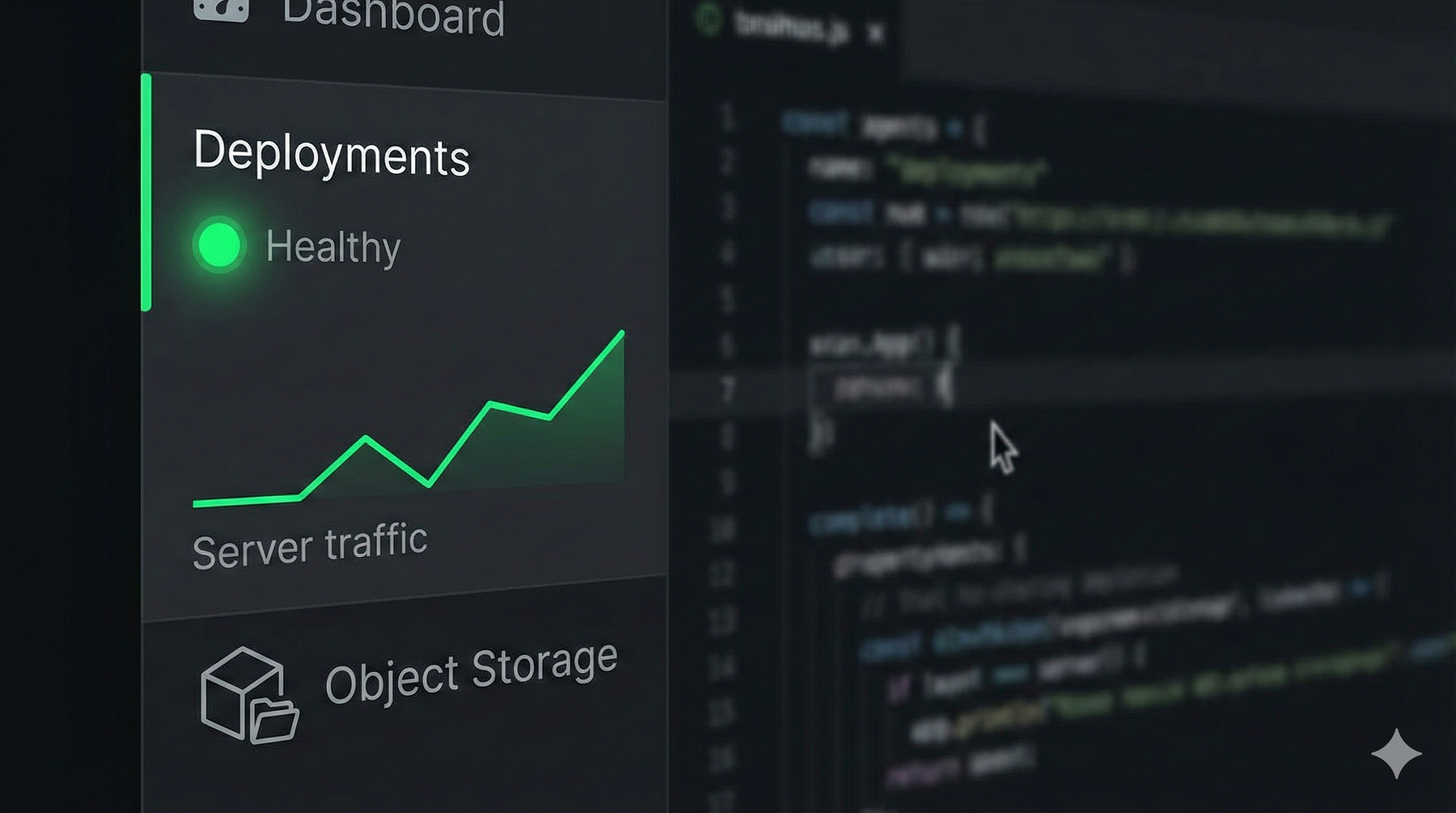
Caption: The updated Replit workspace sidebar showcasing the Deployments tab (with a green “Healthy” status) and the new Object Storage interface for managing files.
The Verdict: Replit Evolves From Learning Tool to AI-Powered Software Platform
Replit’s latest updates mark a decisive shift in identity. What was once a beginner-friendly online coding tool is now becoming the AI operating system for modern software creation.
With:
-
an autonomous AI engineer
-
seamless mobile-to-web continuity
-
and simplified infrastructure tools
Replit is positioning itself as the go-to platform for developers, founders, educators, and anyone looking to build real applications—fast.
If these updates are any indication, the future of software development may not be human-vs-AI… but human-with-AI.